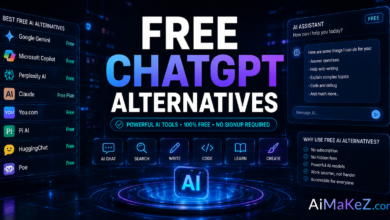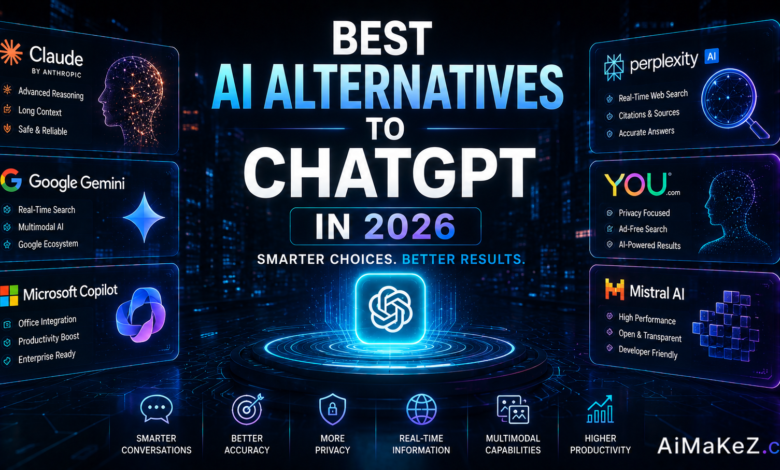
ChatGPT changed how millions of people write, code, and brainstorm. But it is no longer the only game in town, and for many users it is not even the best fit. Maybe you have hit its usage limits, worried about data privacy, or simply wondered whether another tool could write better, cost less, or handle tasks ChatGPT struggles with. If so, exploring the best ChatGPT alternatives is one of the smartest moves you can make in 2026.
The AI landscape has exploded. Powerful rivals now match or beat ChatGPT on reasoning, real-time search, creative writing, and enterprise privacy. In this guide, drawn from months of hands-on testing across dozens of platforms, we break down the top options, how they compare, what they cost, and exactly which one to choose based on your needs.
Before we dive in, a quick note: the right choice depends on your goal. If you build content for a living, our roundup of the best AI tools for content creators pairs well with this list, and if you specifically compared the two market leaders, our ChatGPT vs Gemini guide goes deeper. For adoption context, the latest AI statistics and trends reveal why competition is heating up. Independent testing from Stanford University researchers continues to show how quickly these models are improving.
Table of Contents
What Are ChatGPT Alternatives?
ChatGPT alternatives are AI chatbots and large language models built by companies other than OpenAI that perform similar tasks: answering questions, generating text, writing code, summarizing documents, and holding natural conversations. Some are direct competitors aiming to do everything ChatGPT does, while others specialize in a narrow strength like research, coding, or image generation.
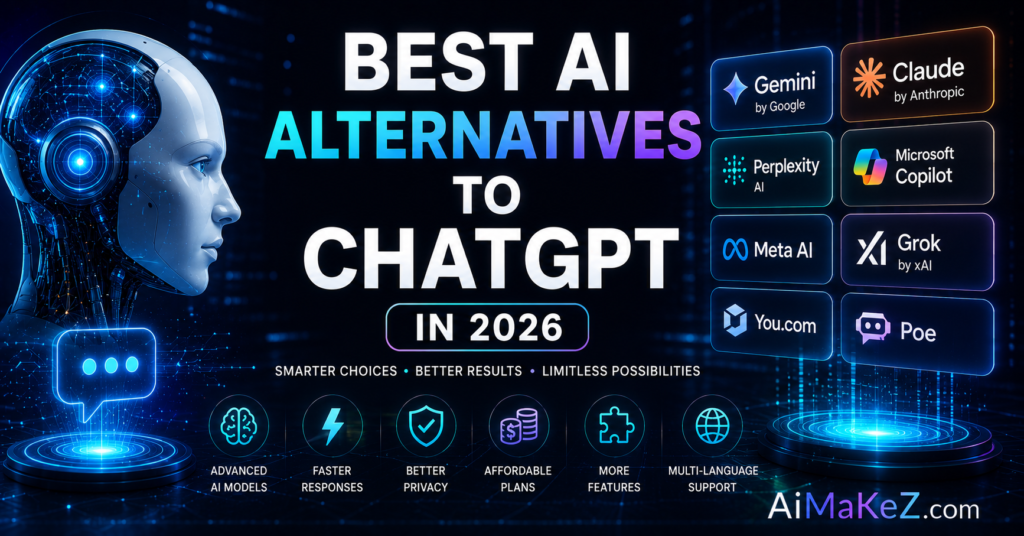
The most prominent names in 2026 include Claude from Anthropic, Google Gemini, Microsoft Copilot, Perplexity AI, and open-source models like Meta’s Llama and Mistral. Each brings a distinct philosophy. Claude leans into safety and long-form reasoning, Gemini integrates deeply with Google’s ecosystem, and Perplexity focuses on cited, real-time answers.
Understanding this variety matters because there is no single best AI assistant. The strongest ChatGPT Alternatives win by fitting a specific workflow better than a general-purpose tool ever could.
Key Features to Look For
Not every AI chatbot is built the same. When comparing options, these are the features that separate a genuine upgrade from a lateral move.
What to Check Before You Switch
- Reasoning quality: How well the model handles complex, multi-step problems without losing the thread.
- Context window: How much text it can process at once, which matters for long documents and codebases.
- Real-time information: Whether it can search the live web and cite sources, unlike models limited to training data.
- Privacy and data handling: Clear policies on whether your conversations train the model, plus GDPR compliance for European users.
- Integrations: Native connections to tools like Google Workspace, Microsoft 365, Slack, and your browser.
- Multimodal ability: Support for images, voice, files, and even video, not just text.
A tip from experience: weigh privacy and integrations as heavily as raw intelligence. A slightly less clever model that keeps your data private and lives inside your daily apps often delivers more real-world value.
Benefits of Switching
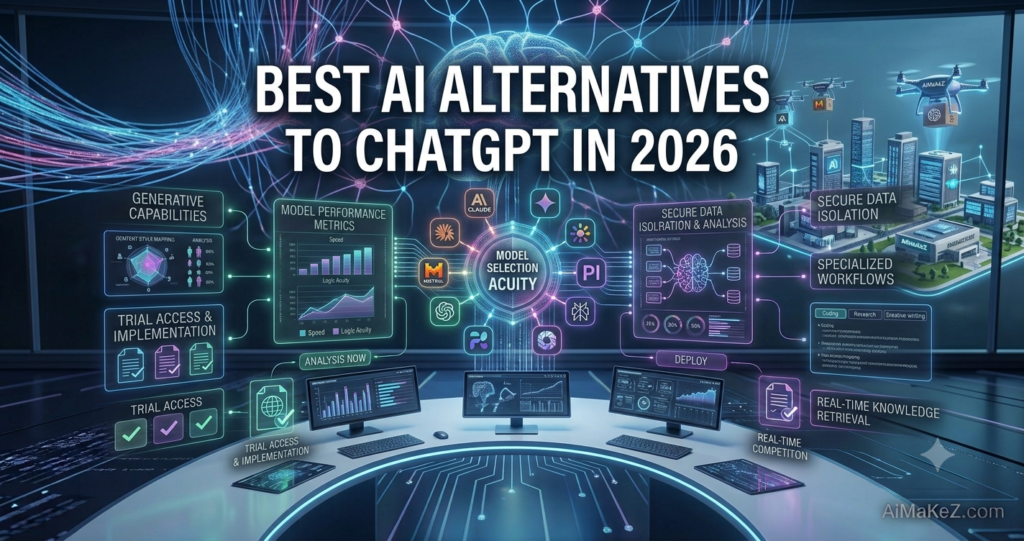
Moving beyond a single tool unlocks advantages that many users never realize they were missing, which is why so many professionals now keep several ChatGPT Alternatives within easy reach.
Better results for specific tasks. Perplexity often wins for research with citations, Claude shines at nuanced long-form writing, and Copilot excels inside Office documents. Matching the tool to the job raises quality noticeably.
Lower or zero cost. Several strong ChatGPT alternatives offer generous free tiers, and open-source models can run locally at no ongoing cost, which appeals to budget-conscious founders and privacy-focused teams.
Reduced risk of lock-in. Relying on one vendor is fragile. Spreading work across a few platforms protects you from outages, price hikes, and sudden policy changes.
Stronger privacy. Tools like Claude and self-hosted Llama give you tighter control over sensitive data, a growing priority for regulated industries in Europe and the US.
How the Best Alternatives Work
Most modern AI assistants share the same underlying mechanics, which makes switching between them surprisingly smooth once you understand the flow.
- Prompt: You type a request in plain language, optionally attaching files, images, or links.
- Interpretation: The large language model breaks down your intent using natural language processing trained on vast datasets.
- Retrieval: Search-enabled tools like Perplexity or Gemini pull live web data, while others rely on their training knowledge.
- Generation: The model produces a response, balancing accuracy, tone, and your specific instructions.
- Refinement: You follow up, correct, or expand, and the assistant adapts within the ongoing conversation.
Because the interaction pattern across the top ChatGPT Alternatives is so similar, most people become productive on a new platform within an afternoon.
Real-World Use Cases
Here is how people actually use these ChatGPT Alternatives across different fields, with concrete examples you can adapt to your own workflow.
Business and Marketing
A marketing agency in London uses Claude to draft nuanced brand messaging and Perplexity to gather cited competitor research in minutes. The combination replaced hours of manual work and improved the quality of client reports.
Content Creation and Education
Independent writers lean on Jasper and Copy.ai for repeatable marketing copy, while teachers use Gemini to build lesson plans and quizzes tailored to each grade level. For a deeper look, see our guide to the best AI chatbots.
Productivity and Automation
Developers pair GitHub Copilot with Claude for code review, and operations teams use Microsoft Copilot to summarize meetings and draft follow-ups directly inside Teams, cutting administrative overhead dramatically.
Top ChatGPT Alternatives Reviewed
To move from theory to practice, here is a closer look at the leading ChatGPT alternatives, what makes each one special, and the type of user who benefits most. We tested every tool on identical prompts covering writing, research, coding, and reasoning so the comparisons reflect real performance rather than marketing claims.
1. Claude by Anthropic
Claude has quietly become the favorite among writers, analysts, and developers who value thoughtful, well-structured responses. Its standout trait is a massive context window that lets you drop in entire books, contracts, or codebases and ask detailed questions without losing coherence. Claude also tends to hedge honestly when uncertain rather than inventing confident but wrong answers, which builds trust for serious work. If your day revolves around long-form writing or careful reasoning, Claude is arguably the strongest all-round option on this list.
2. Google Gemini
Gemini is the natural pick for anyone already living inside Google Workspace. It drafts emails in Gmail, builds formulas in Sheets, and summarizes long threads in Docs without leaving the page. Its tight integration with Google Search also means it handles current events and quick factual lookups with ease. For students, teachers, and teams standardized on Google tools, Gemini removes friction that other assistants simply cannot match.
3. Perplexity AI
Perplexity reimagines the AI assistant as a research engine. Instead of guessing from memory, it searches the live web and attaches numbered citations to every claim, so you can verify sources in seconds. Analysts, journalists, and curious learners love it for cutting through noise and surfacing credible answers fast. When accuracy and traceability matter more than creative flair, Perplexity is the ChatGPT alternative to reach for.
4. Microsoft Copilot
Copilot brings AI directly into Word, Excel, PowerPoint, Outlook, and Teams. It can turn a rough outline into a polished presentation, analyze a spreadsheet, or recap a meeting and list action items automatically. For professionals who spend their day in Microsoft 365, Copilot converts the AI from a separate app into an assistant embedded in every task, which is a genuine productivity multiplier.
5. Open-Source Models: Llama and Mistral
For teams that prioritize privacy or want to avoid recurring fees, open-source models like Meta Llama and Mistral are compelling. You can run them on your own hardware or private cloud, keeping every conversation in-house. They require more technical setup than cloud tools, but the payoff is complete control over your data and no per-seat licensing, an increasingly important factor for regulated industries in the US and Europe.
Across all of these ChatGPT alternatives, the pattern is consistent: specialization beats generality. The users who see the biggest gains are those who pick a primary tool for their core task and keep one or two others on hand for specific jobs.
Pros and Cons
Switching to one of the leading ChatGPT Alternatives involves trade-offs worth weighing honestly before you commit.
| Pros | Cons |
|---|---|
| Specialized tools outperform on specific tasks | Managing multiple accounts adds complexity |
| Generous free tiers and open-source options | Feature sets and interfaces vary widely |
| Better privacy and data control | Some tools lack a mature plugin ecosystem |
| Real-time, cited answers available | Learning each tool’s quirks takes time |
| Less dependence on a single vendor | Costs can stack if you subscribe to several |
Pricing Overview
Pricing across the leading ChatGPT Alternatives follows familiar tiers, making it easy to budget once you know what to expect.
- Free tiers: Claude, Gemini, Perplexity, and Copilot all offer capable no-cost plans ideal for casual use and testing.
- Pro plans ($20/month): Most premium tiers hover around twenty dollars monthly, unlocking faster models and higher limits.
- Team and business plans ($25–$60/user): Add admin controls, shared workspaces, and enterprise-grade privacy.
- Open-source (free to self-host): Llama and Mistral cost nothing in licensing, though you pay for the hardware or cloud compute to run them.
Start with free tiers to compare quality on your real tasks, then pay only for the one or two tools that clearly earn their place.
Comparison With Top Competitors
The table below highlights where each major alternative stands out so you can match a tool to your priority.
| Tool | Best For | Standout Strength |
|---|---|---|
| Claude | Long-form writing and reasoning | Large context, thoughtful tone |
| Google Gemini | Google Workspace users | Deep ecosystem integration |
| Perplexity AI | Research and fact-checking | Real-time cited answers |
| Microsoft Copilot | Office and Windows users | Native Microsoft 365 access |
| Llama / Mistral | Privacy and self-hosting | Open-source and free |
There is no universal winner among these ChatGPT Alternatives. Choose Claude for writing, Perplexity for research, Copilot for Microsoft workflows, or an open-source model when privacy is paramount.
How to Choose the Right ChatGPT Alternative
With so many capable options, the hardest part is not finding a good tool but choosing the right one for you. The decision becomes far simpler when you stop looking for a single perfect assistant and start matching tools to jobs. A quick, structured evaluation saves weeks of trial and error.
- Define your primary task. Writing, research, coding, and data analysis each have a different best-in-class tool, so name your main need first.
- Check privacy requirements. If you handle client or medical data, prioritise ChatGPT alternatives with strong compliance and no training on your inputs.
- Map your existing apps. Pick the assistant that already lives inside the software you use daily to minimise context switching.
- Test the free tier first. Never pay before you have confirmed the tool performs well on your actual prompts.
- Plan for the long term. Choose a vendor with a clear roadmap and stable pricing so your workflow does not break in six months.
Work through this checklist honestly and a clear front-runner usually emerges within a day or two. Remember that the best ChatGPT alternatives reward users who commit to learning one tool deeply rather than skimming across a dozen. Depth of familiarity, not the length of your subscription list, is what turns an AI assistant into a real competitive advantage.
It is also worth revisiting your choice every few months. This space moves quickly, and a model that trailed the pack last quarter may leap ahead after a major update. Set a recurring reminder to re-test your top two or three ChatGPT alternatives so your stack always reflects the current state of the art rather than a decision you made and forgot.
Best Practices
Getting the most from any AI assistant comes down to how you use it, not just which one you pick.
- Test on your real work. Run the same prompt through two or three tools and compare results before committing.
- Write detailed prompts. Provide context, examples, and a clear goal to get sharper, more useful output.
- Verify important facts. Even the best models occasionally hallucinate, so confirm anything critical against a trusted source.
- Mind your data. Avoid pasting confidential information into tools that train on your conversations.
- Combine strengths. Use one tool for research and another for writing to get the best of both worlds.

Common Mistakes to Avoid
- Expecting a perfect clone: Each alternative behaves differently. Adjust your prompts instead of assuming it will match ChatGPT exactly.
- Ignoring privacy terms: Skipping the data policy can expose sensitive information, especially under European regulations.
- Chasing every new release: Constantly switching tools kills productivity. Settle on a small, reliable set.
- Trusting output blindly: Treating AI answers as fact without verification leads to costly errors.
- Overpaying: Subscribing to several pro plans you rarely use wastes money that a free tier could cover.
Frequently Asked Questions
What is the best free alternative to ChatGPT?
Claude, Google Gemini, and Perplexity all offer strong free tiers. Perplexity is excellent for research with citations, while Claude is a favorite for writing. Try each on your own tasks to see which feels best.
Are ChatGPT alternatives safe for business data?
Many are, but safety depends on the vendor. Claude and enterprise plans from Microsoft and Google offer clear privacy controls and GDPR compliance. Always review the data policy and avoid entering sensitive details into free consumer tools.
Which alternative is best for research?
Perplexity AI is widely considered the leader for research because it searches the live web and cites its sources, making it easy to verify claims and dig deeper into any topic.
Do I need technical skills to switch?
No. Cloud-based tools like Claude, Gemini, and Copilot work through a simple chat interface. Only self-hosted open-source models like Llama require technical setup.
Can I use several ChatGPT alternatives at once?
Absolutely, and many power users do. Pairing a research tool with a writing tool is a common, highly effective strategy that lets you leverage each platform’s strengths.
Final Verdict
The takeaway is clear: the best ChatGPT alternatives are no longer just backups, they are often the better primary choice. Claude leads for writing and reasoning, Perplexity dominates research, Gemini and Copilot win for ecosystem users, and open-source models offer unmatched privacy and value.
Our recommendation is simple. Start with the free tiers of two or three ChatGPT Alternatives that match your main use case, test them on your real work for a week, and keep only the ChatGPT Alternatives that consistently save you time or produce better results. In 2026, having the right AI assistant, not just the most famous one, is what gives you the edge.